

Eval
Run a Model Comparison
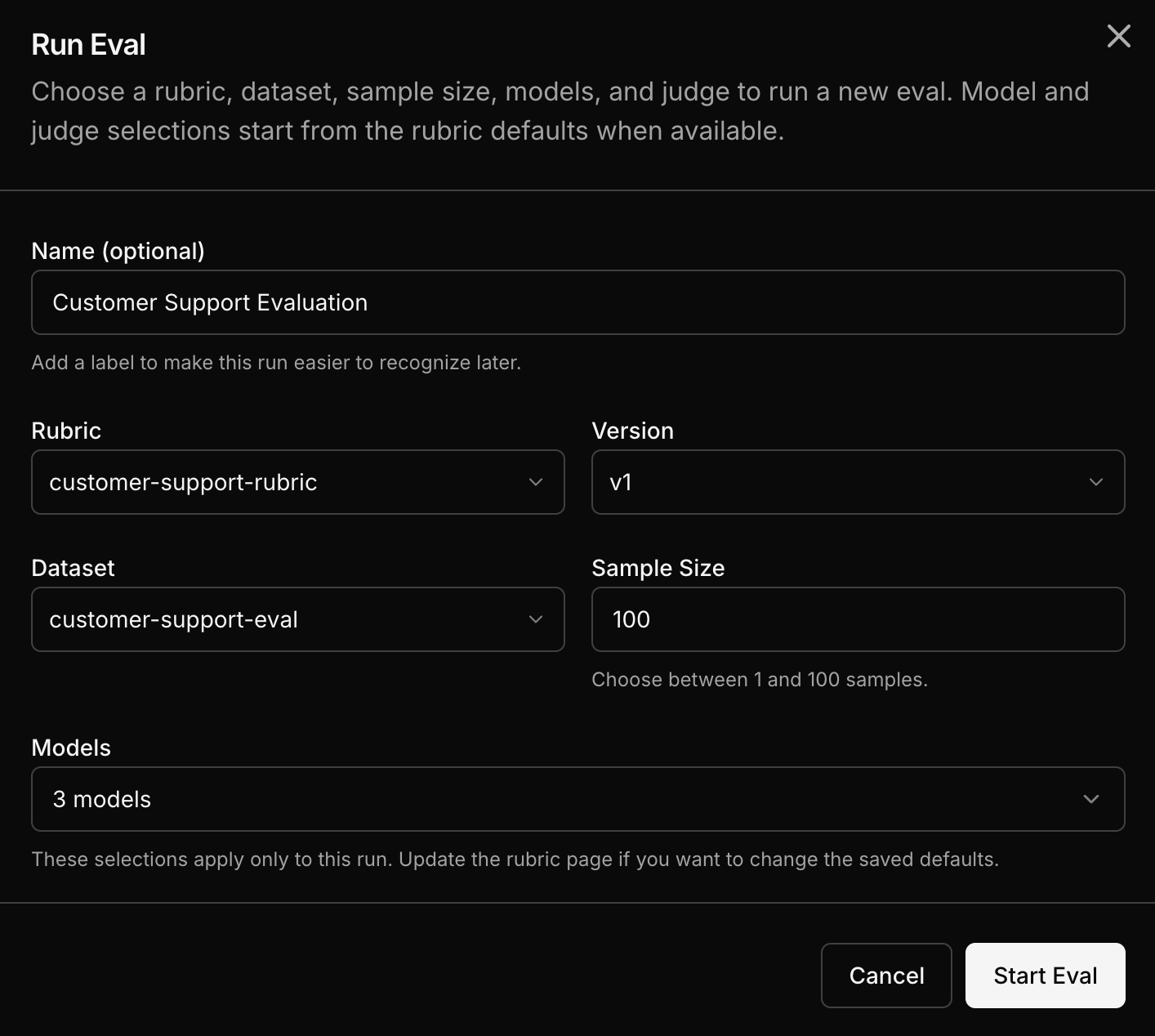
Run your eval dataset through multiple models and score the outputs against your rubric.
Pick a rubric, pick a dataset, pick models, and run. Inference platform handles execution and scoring.
Step by step
Select a rubric
Choose the rubric that defines your quality criteria.
Select an eval dataset
Choose the dataset containing your evaluation samples. This can come from captured traffic or a JSONL upload.
Select models
Pick one or more models to evaluate. You can choose from a wide range of models including OpenAI, Anthropic, open-source, or your own custom trained models.
Run the eval
Each sample from the dataset runs through each selected model. Each output gets scored by the LLM judge using your rubric.
How the math works
The eval is a cross-product of samples and models:
- 10 samples across 3 models = 30 inference outputs
- Each output gets scored = 30 judge calls
- Results: per-sample scores for every model
Next steps
Once the eval completes, go to Read the Results to interpret the comparison view.