

Deploy
Manage and Monitor
Start and stop deployments. Monitor production performance and scale when you need to.
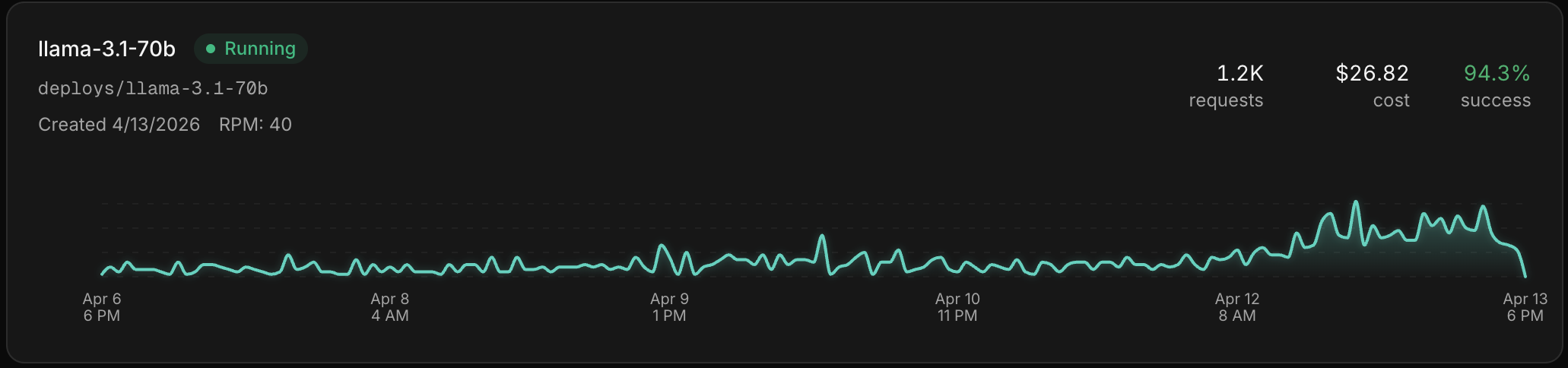
Lifecycle operations
- Start — bring a stopped deployment back online
- Stop — take the deployment offline. Stopping archives the deployment; it stays listed and can be started again.
There's no delete action — the lifecycle is Start and Stop. An archived deployment keeps its identifiers but is not serving.
Scaling
Your model deploys on a dedicated GPU. To scale, edit the instance configuration from the deployment's settings — the GPU family, GPUs per instance, and instance count you chose at creation. You can increase or decrease compute this way. There is no auto-scaling.
Monitoring
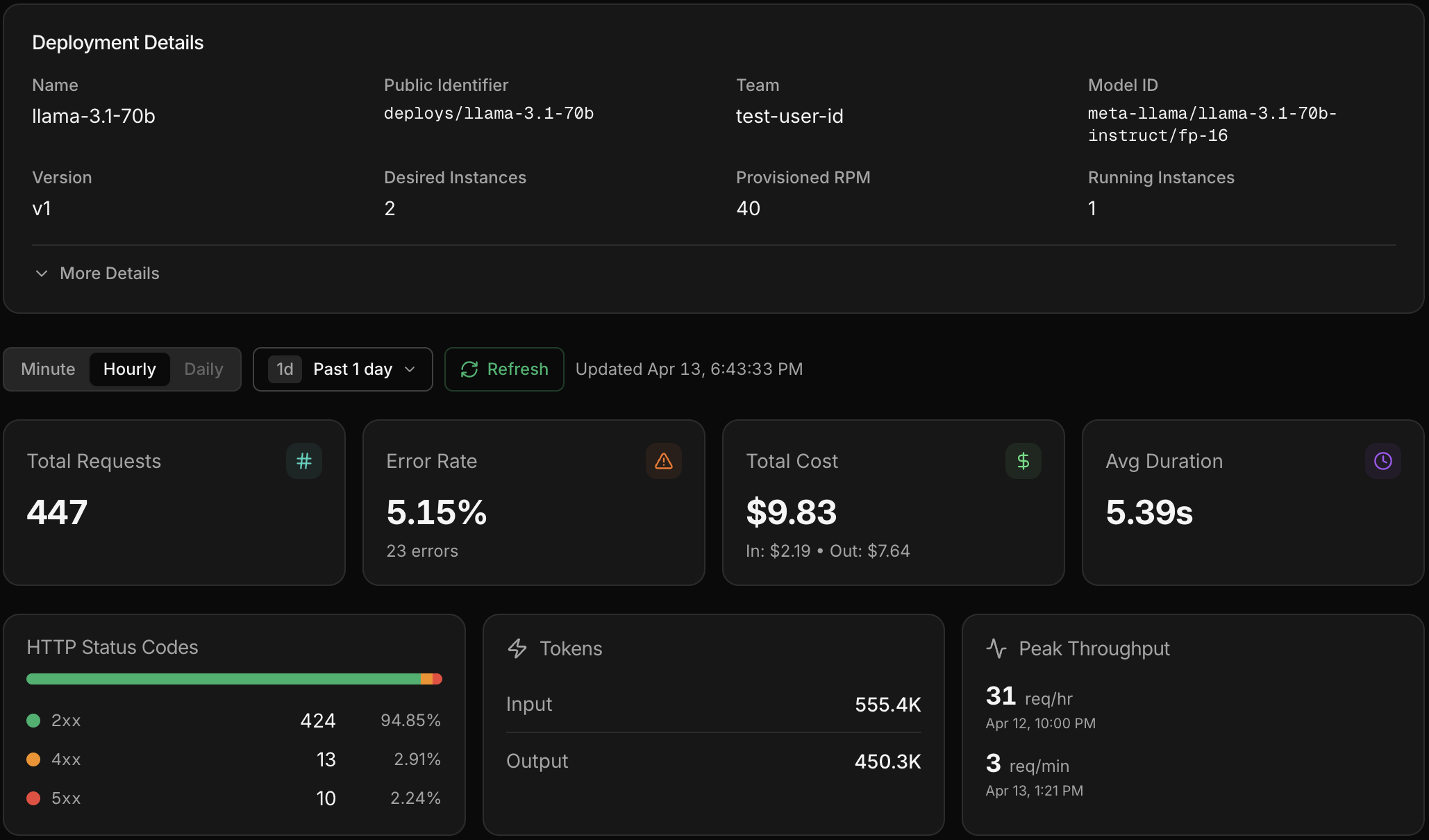
Once your deployment is live, click into it from the Dedicated page to see metrics and individual inference calls. You get the same Gateway experience — latency, error rates, token usage, and full request/response payloads — scoped to that deployment.
The loop continues
Your custom model is live. Use Gateway to watch its production performance, run AutoEvals to catch regressions, and train the next version when you're ready.