

Deploy
Manage and Monitor
Start and stop deployments. Monitor production performance and scale when you need to.
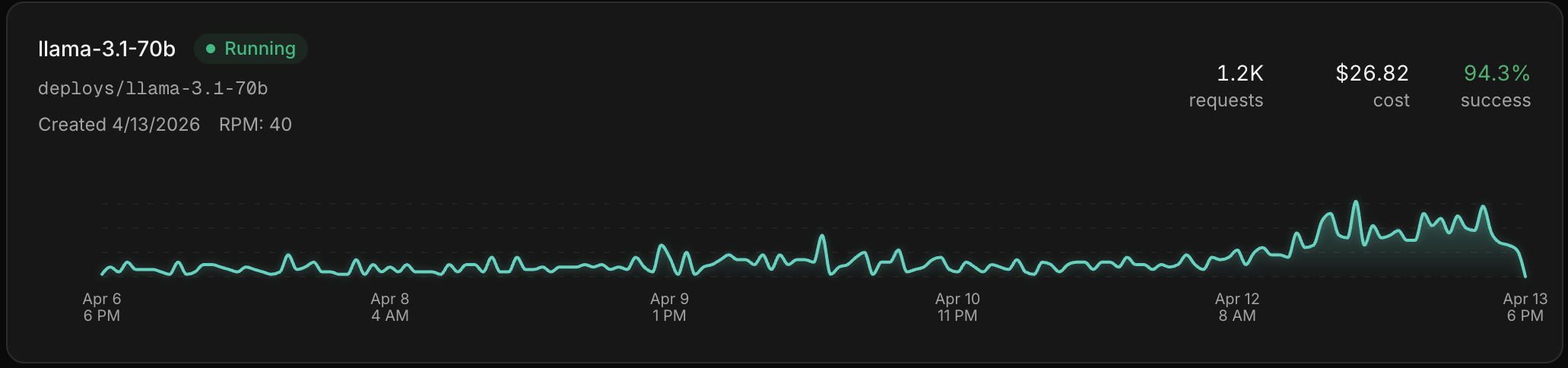
Lifecycle operations
- Start — bring a stopped deployment back online
- Stop — take the deployment offline. Stopping archives the deployment; it stays listed and can be started again.
There's no delete action — the lifecycle is Start and Stop. An archived deployment keeps its identifiers but is not serving.
Scaling
Your model deploys on a dedicated GPU. To scale, edit the instance configuration from the deployment's settings — the GPU family, GPUs per instance, and instance count you chose at creation. You can increase or decrease compute this way. There is no auto-scaling.
Monitoring
Once your deployment is live, click into it from the Dedicated page to see metrics and individual inference calls. You get the same Gateway experience — latency, error rates, token usage, and full request/response payloads — scoped to that deployment.
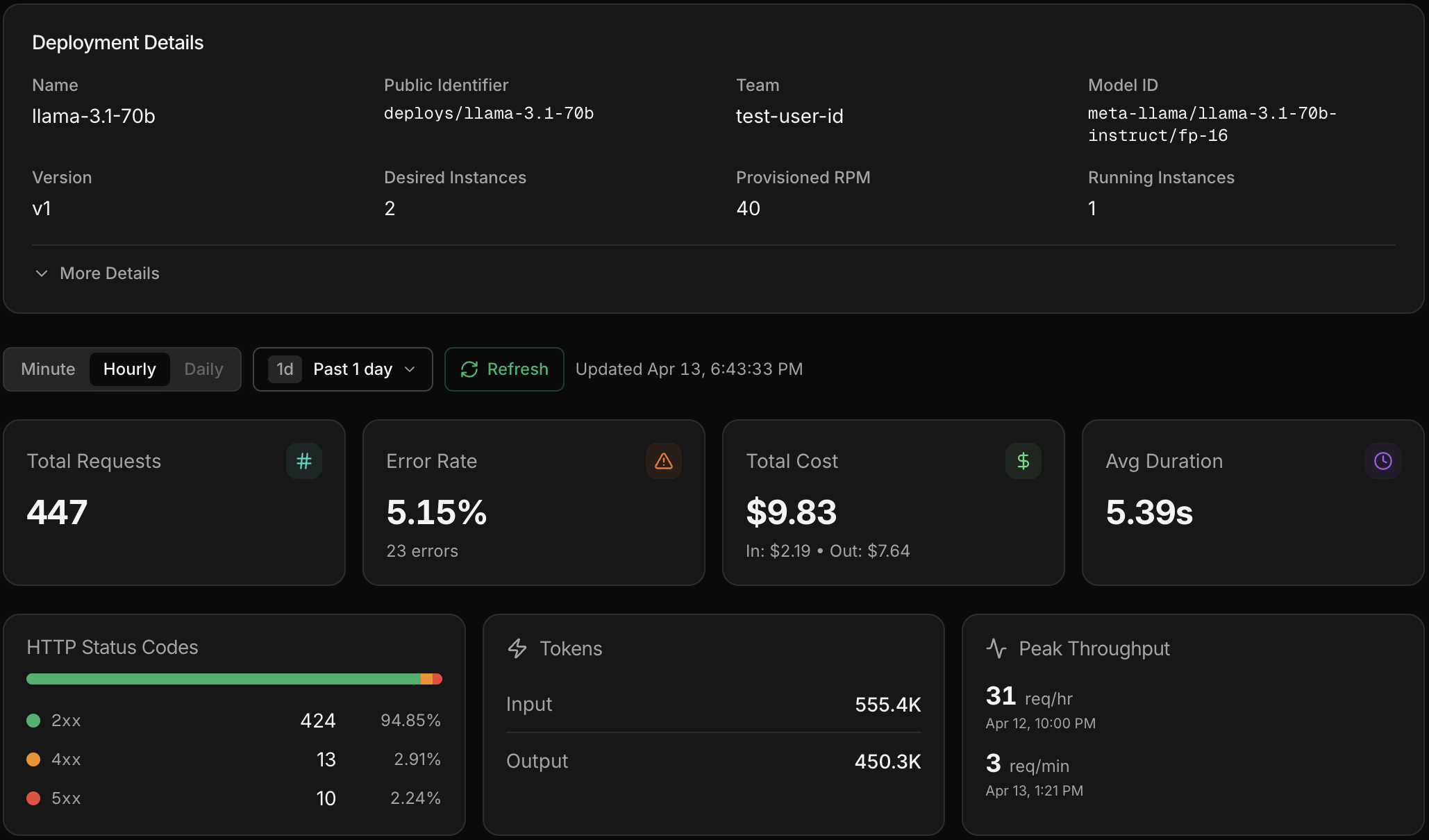
Keep watching the deployment
Your model is live. Use Gateway to watch its production performance, and run AutoEvals to catch regressions.