> ## Documentation Index
> Fetch the complete documentation index at: https://docs.inference.net/llms.txt
> Use this file to discover all available pages before exploring further.
# Manage and Monitor
> Start, stop, and delete deployments. Monitor production performance and scale when you need to.
 ## Lifecycle operations
* **Start** — bring a stopped deployment back online
* **Stop** — take the deployment offline
* **Delete** — remove the deployment entirely
## Scaling
By default, your model deploys on a single dedicated GPU. If you need additional GPUs or auto-scaling, [reach out to our team](https://inference.net/meet-with-us/).
## Monitoring
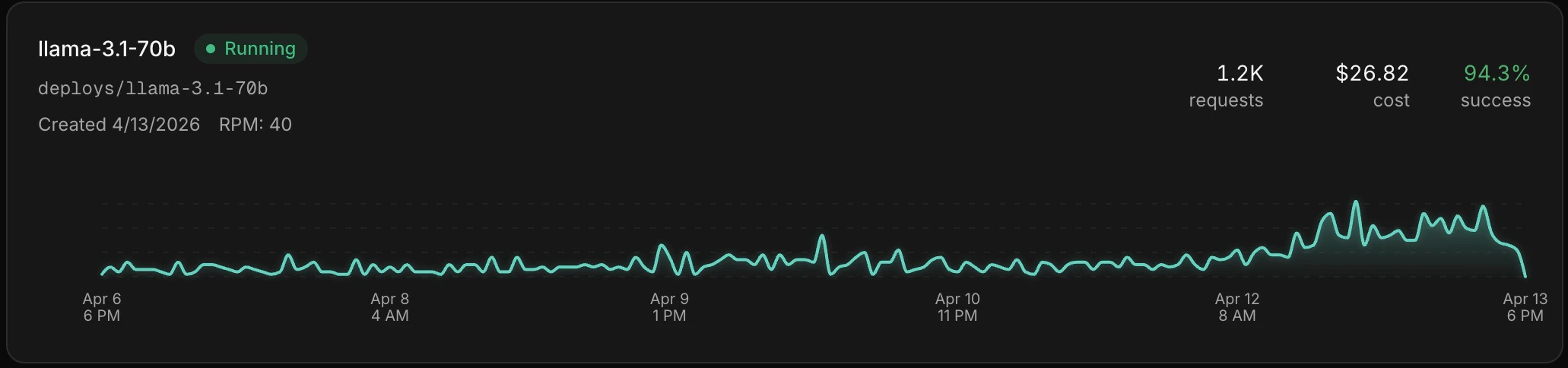
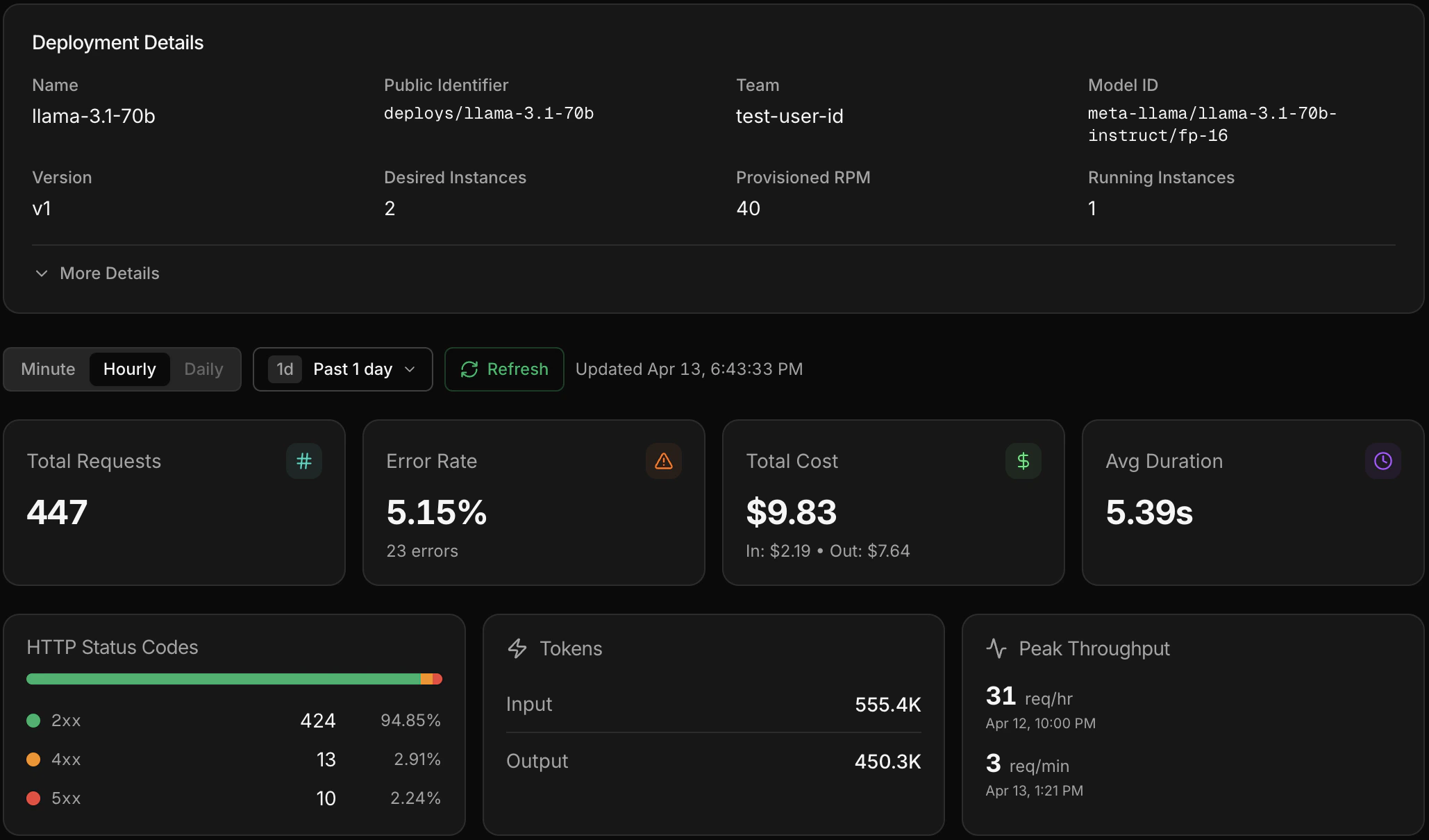
Once your deployment is live, click into it from the **Deployments** page to see metrics and individual inference calls. You get the same [Gateway](/platform/gateway/overview) experience — latency, error rates, token usage, and full request/response payloads — scoped to that deployment.
## Lifecycle operations
* **Start** — bring a stopped deployment back online
* **Stop** — take the deployment offline
* **Delete** — remove the deployment entirely
## Scaling
By default, your model deploys on a single dedicated GPU. If you need additional GPUs or auto-scaling, [reach out to our team](https://inference.net/meet-with-us/).
## Monitoring
Once your deployment is live, click into it from the **Deployments** page to see metrics and individual inference calls. You get the same [Gateway](/platform/gateway/overview) experience — latency, error rates, token usage, and full request/response payloads — scoped to that deployment.
 ## The loop continues
Your custom model is live. Use [Gateway](/platform/gateway/overview) to watch its production performance, run [evals](/platform/eval/overview) to catch regressions, and [train](/platform/train/overview) the next version when you're ready.
Monitor production traffic.
Catch quality regressions.
Build the next version.
## The loop continues
Your custom model is live. Use [Gateway](/platform/gateway/overview) to watch its production performance, run [evals](/platform/eval/overview) to catch regressions, and [train](/platform/train/overview) the next version when you're ready.
Monitor production traffic.
Catch quality regressions.
Build the next version.